When I frequently connect to the same development machine using Remote Desktop Protocol (RDP), I want to store my credentials for easier access. However, I still have to provide my password each time I connect.
In this article, I explain the reason behind this issue and how I resolved it by adjusting a local policy setting.
The problem
When I connect to the same development machine repeatedly using RDP, I want to store my credentials for easier access.
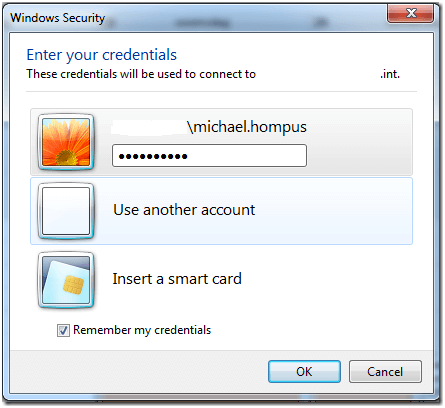
However, when I try to connect again, I'm still prompted to provide my password.
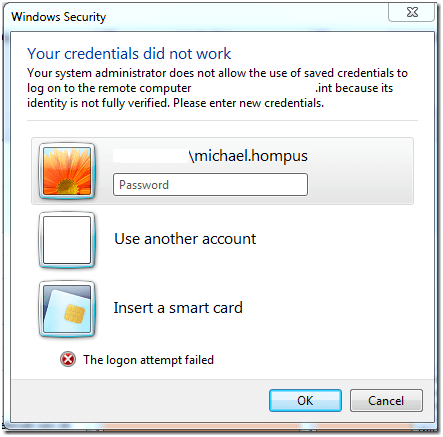
After entering my password 1387 times in the past year, I started searching for the reason why it does not use my stored credentials. As it turns out this is because of a local policy.
The solution
- Start GPEdit.msc and navigate to
Computer Configuration>Administrative Templates>System>Credentials Delegation - Open the policy
Allow Saved Credentials with NTLM-only Server Authentication(orAllow Delegating Saved Credentials with NTLM-only Server Authenticationfor Windows 7) - Select
Enabledand click on Show - Enter the server where you want to connect to with the stored credentials. You are allowed to use wildcards, so I choose
TERMSRV/*.int(since my development machines are always in a domain ending with.int) - Close the screens and run gpupdate

Now, I can connect to the server without having to provide the same password over and over again.